
Download Yuzu eReader – Interactive Learning, Study Smarter, Read On-the-Go
Overview
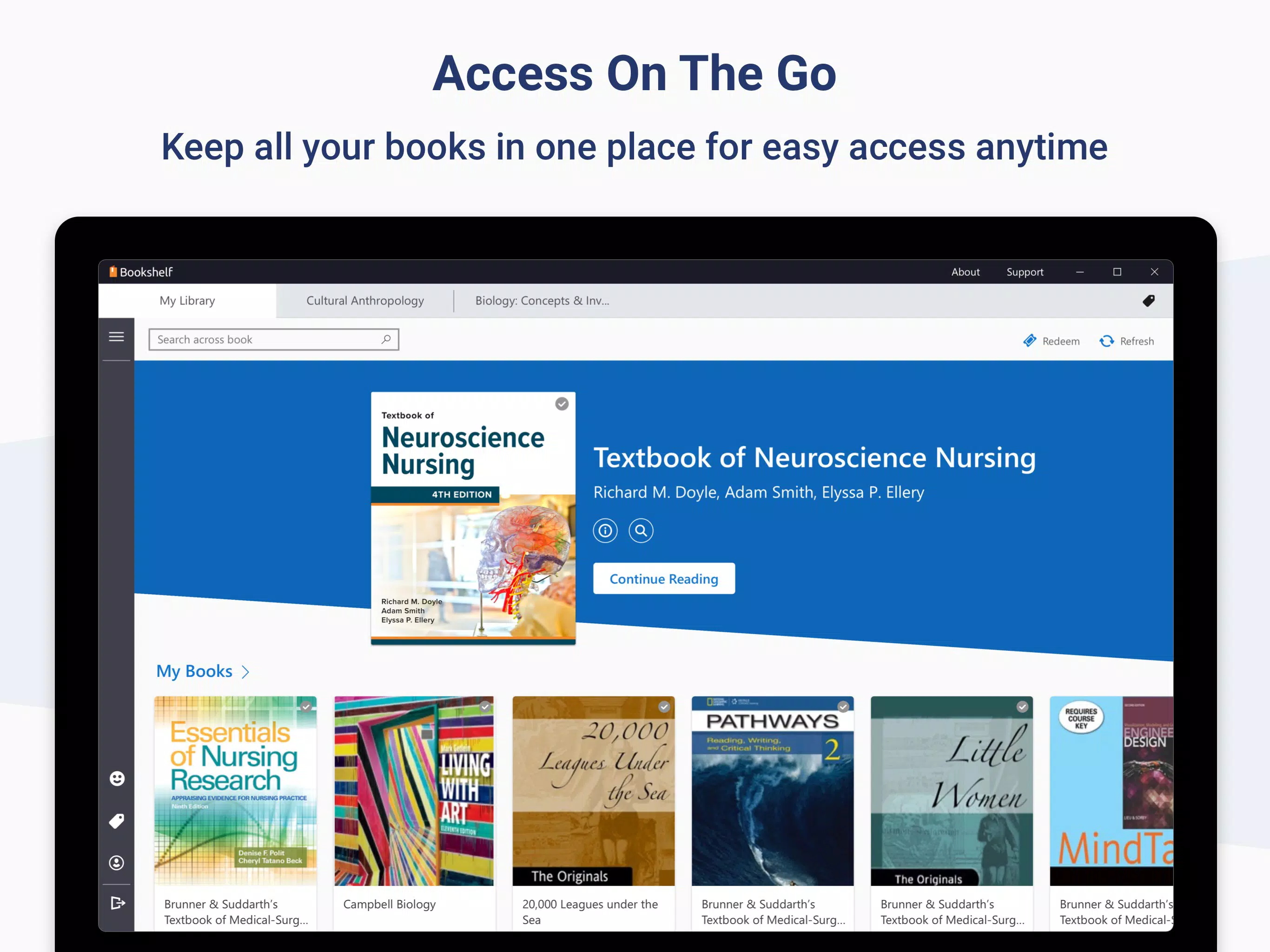
Yuzu eReader is a mobile application designed to transform the way students access and engage with academic textbooks. By offering a digital platform for course materials, it addresses the challenges of carrying physical books and fragmented study resources. The app enables users to consolidate their textbooks into a single, accessible space, allowing for seamless learning anytime and anywhere. Its primary purpose is to enhance educational efficiency through digital convenience and interactive content.
Targeted at students across secondary, tertiary, and higher education levels, Yuzu eReader supports a mobile-first learning lifestyle. The app is especially beneficial for those managing multiple subjects, frequent travelers, or individuals seeking a clutter-free study environment. Real-world use cases include reviewing lecture notes during commutes, annotating chapters before exams, and accessing updated materials without waiting for printed versions.
The developer did not provide additional technical details about the company or its background. However, the app’s release date of September 15, 2020, indicates it has been established in the educational technology space for several years. Within the app ecosystem, Yuzu eReader fills a growing need for accessible, interactive, and portable learning tools that support modern academic demands.
Key Features & Functionality
Yuzu eReader delivers a suite of features tailored to improve digital reading and study habits. Each function is designed with practicality and user engagement in mind.
- Interactive Learning: The app integrates multimedia elements such as embedded videos and hyperlinks to relevant websites, enriching the understanding of complex topics. For example, a biology student can watch a video of cellular respiration while reading about the topic, reinforcing comprehension through visual and auditory learning.
- Travel Lighter: By digitizing textbooks, Yuzu eReader eliminates the physical burden of carrying multiple heavy books. A student can access all required course materials on a single device, reducing backpack weight and minimizing the risk of lost or damaged physical copies.
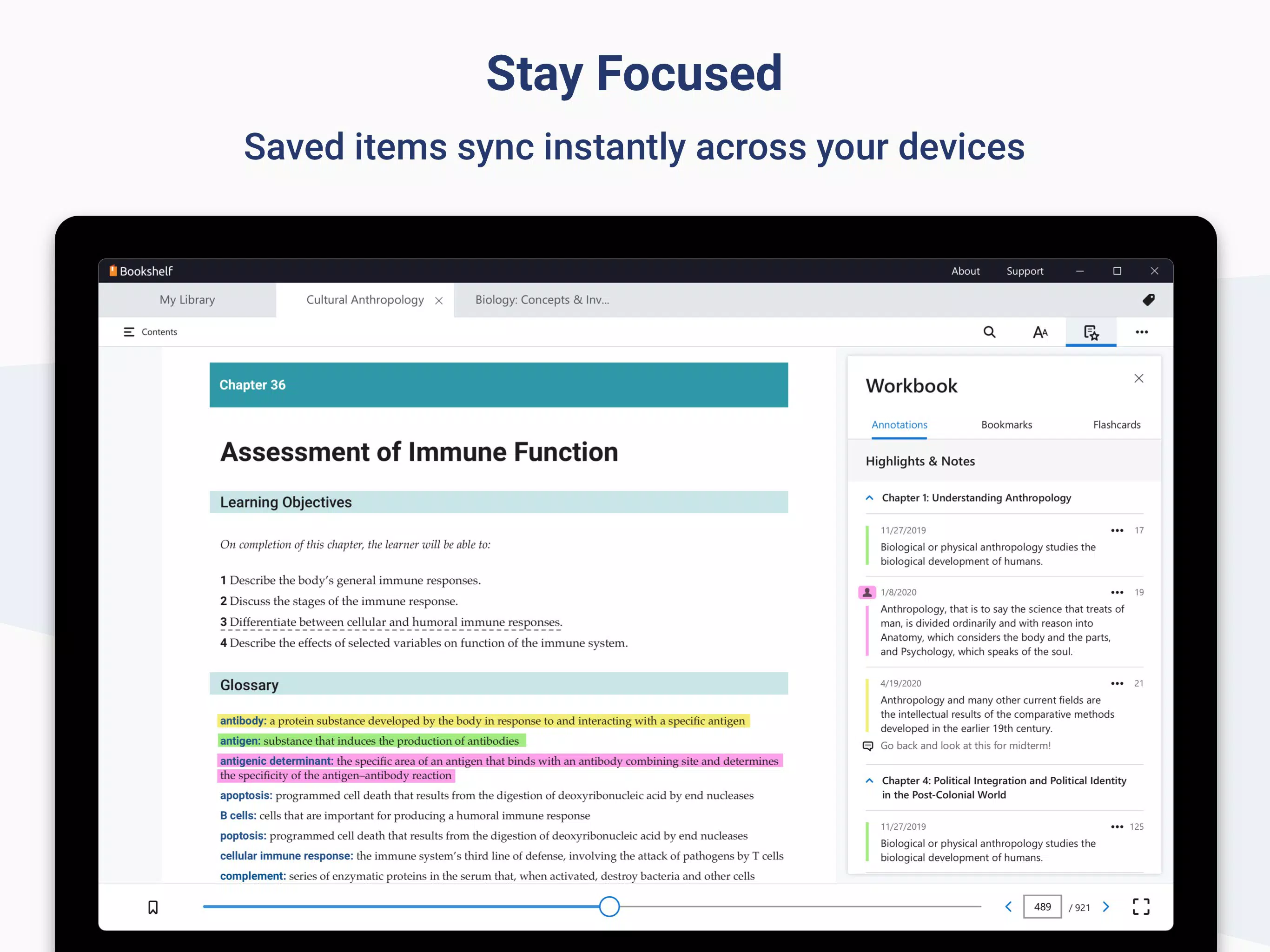
- Read On-the-Go: Automatic synchronization ensures that highlights, notes, and bookmarks are preserved across devices. Whether switching from a tablet to a smartphone, users maintain continuity in their study progress, ideal for those with dynamic schedules.
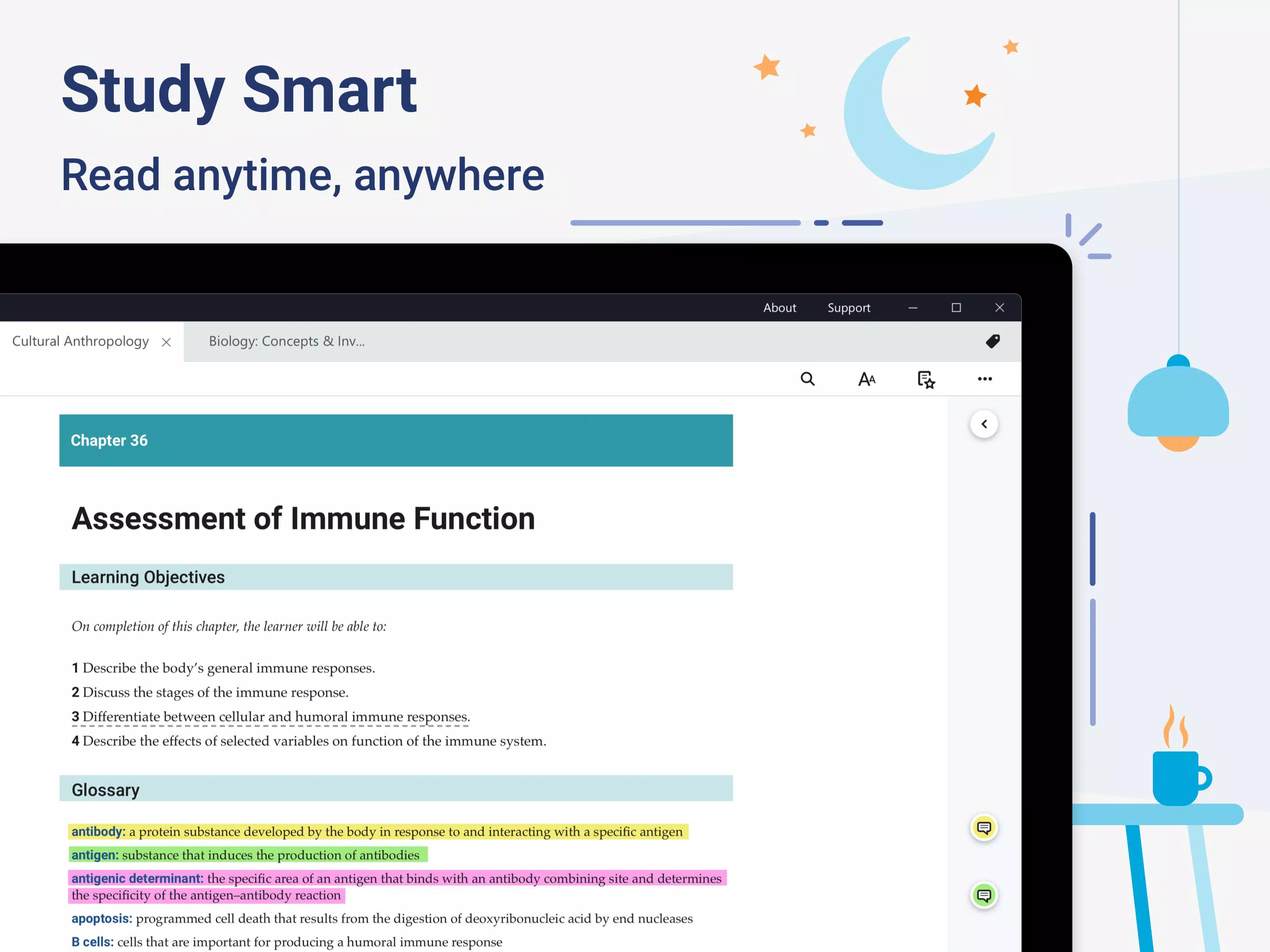
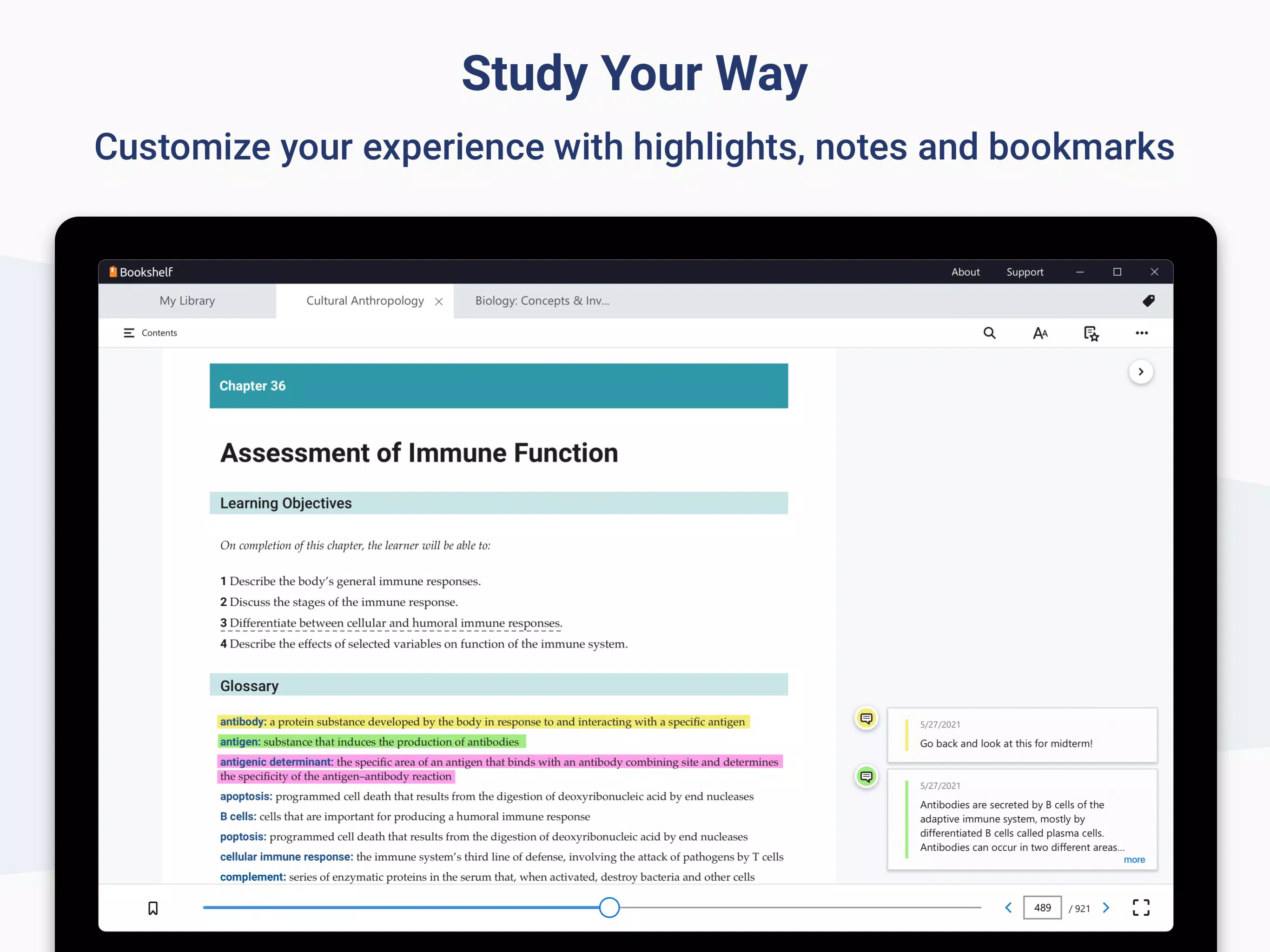
- Study Smarter: Customization options include adjustable font sizes, zoom features, and the ability to add personal notes and highlights. These tools allow learners to tailor their reading environment to their preferences, improving readability and retention.
- Simple Navigation: Users can search for keywords or enter specific page numbers to jump directly to content. This feature reduces time spent flipping through pages and supports efficient revision and research.
Interface, UX & Performance
The user interface of Yuzu eReader emphasizes clarity and ease of use. The layout is clean, with intuitive navigation that allows users to quickly access books, notes, and settings. Visual design elements are minimal, focusing on readability and functionality rather than decorative complexity.
Navigation flow is straightforward: users open the app, select a textbook, and begin reading or searching. The search bar is prominently placed, and the ability to jump to page numbers supports rapid content retrieval. The app maintains responsive performance across different screen sizes and device types.
Although the developer did not list formal performance metrics, the app’s design suggests stability and consistent responsiveness. Users can expect smooth transitions between pages and quick loading times for digital content. The app’s interface remains stable during extended reading sessions, supporting long study durations without lag or crashes.
Platform Compatibility & Technical Requirements
Yuzu eReader is available on the Android platform, though specific OS version requirements were not listed. The app’s file size is not disclosed, which may affect installation on devices with limited storage. Compatibility information was not fully disclosed, so users should verify device suitability before installation.
Given the app’s focus on digital textbooks and synchronization, it likely supports a range of Android devices, including smartphones and tablets. However, specific hardware or software requirements were not provided by the developer.
Pros and Cons
Pros
- Streamlines access to multiple textbooks in one digital space
- Supports interactive learning with multimedia integration
- Enables seamless cross-device synchronization
- Offers customizable reading settings for improved accessibility
- Reduces physical load by eliminating the need for heavy textbooks
Cons
- Specific technical requirements were not listed
- File size information is unavailable
- Compatibility details for older or low-end devices were not disclosed
- No official information on offline functionality
- Developer background remains undisclosed
FAQ
Is Yuzu eReader free to download?
While the app’s pricing model was not specified, many educational tools of this nature are offered with free access to basic features and optional in-app purchases for premium content.
Can I use Yuzu eReader without an internet connection?
Although the developer did not provide details on offline functionality, many digital textbook apps allow limited offline access after initial content download. Users should verify this capability based on their device settings and app behavior.
Is Yuzu eReader available on iOS?
The app is confirmed for Android. Availability on iOS was not disclosed by the developer.
How do I update Yuzu eReader?
Updates are typically delivered through the app store. Users should ensure their device’s app store is set to auto-update or manually check for updates within the store’s app section.
Is my data secure when using Yuzu eReader?
The app’s privacy policy and data handling practices were not publicly detailed. Users are advised to review the app’s permissions and settings to understand how personal data is managed.
Final Thoughts
Yuzu eReader stands out as a practical and forward-thinking solution for students seeking a modern, efficient way to manage their academic materials. Its blend of interactive content, cross-device synchronization, and customizable reading tools makes it a valuable companion for anyone navigating a demanding academic schedule. While some technical details remain undisclosed, the app’s core functionality delivers tangible benefits in accessibility, convenience, and learning engagement.
Students, educators, and lifelong learners who value portability and digital organization will find the most value in this tool. It not only reduces physical burden but also enhances the depth and flexibility of study sessions. For those committed to a digital-first learning approach, Yuzu eReader offers a reliable, well-structured platform.
Download Yuzu eReader now


